
Step 1: Locate Your Agent
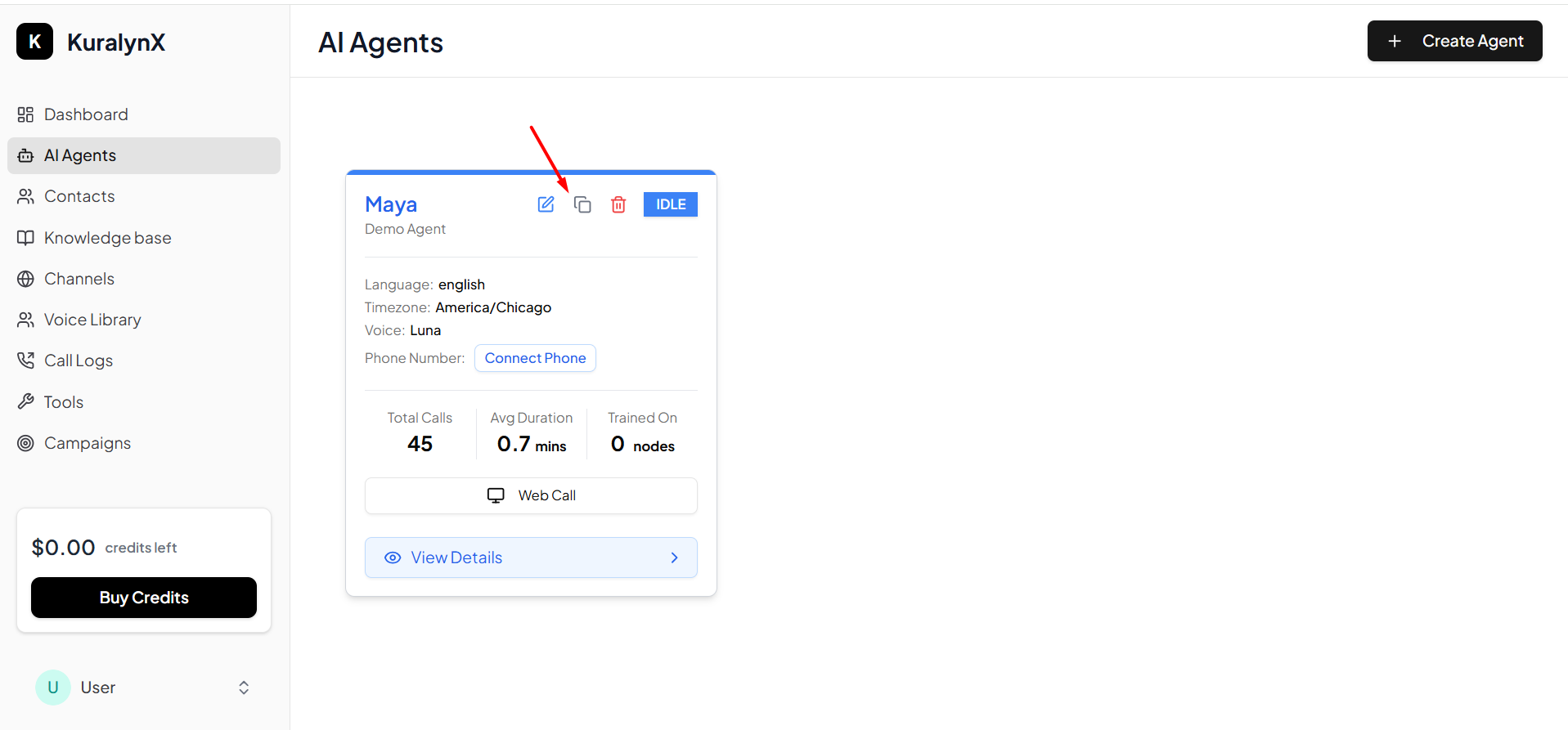
Navigate to your Kuralynx dashboard and find the agent you want to use for making calls. Each agent has a unique ID that you’ll need for API requests.Step 2: Copy Agent ID
Click on the copy icon next to your agent’s ID to copy it to your clipboard. This ID will be used in theagent_id parameter when making API calls.
Using Your Agent ID
Once you have copied your agent ID, you can use it in your API requests:Make sure you’re using the correct agent ID for the agent you want to handle the calls. Each agent has different configurations and capabilities.